Templates
Simple Motion: motion graphics from a chat message
What the Simple Motion template in Motion Fab can do: kinetic type, shapes and transitions, your photos and footage, music and voice-over. Example videos, panels and prompt tips.
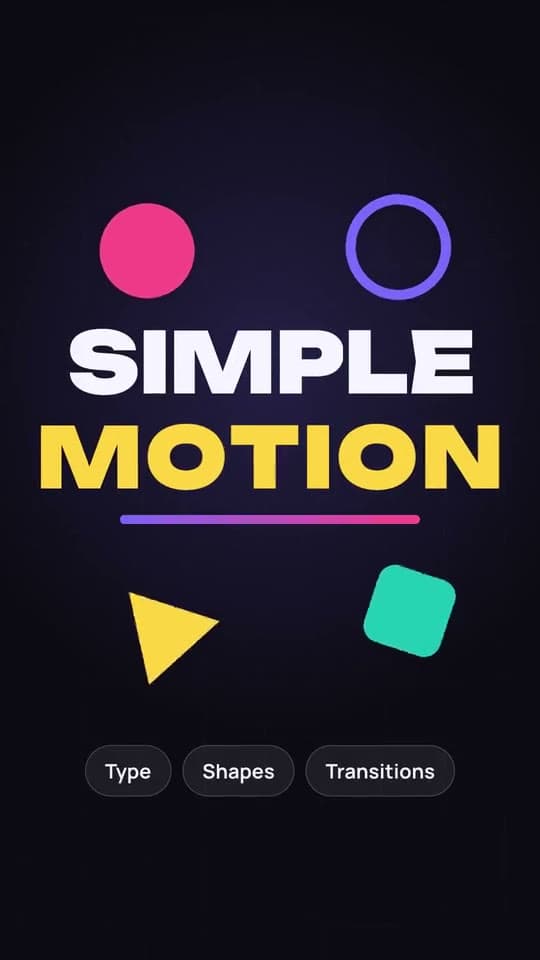
Simple Motion is the first and most versatile Motion Fab template. You tell the chat what the video is about, and the agent builds the motion graphics: animated type, shapes, transitions, your photos and footage, music and voice-over. No editing app, no keyframes.
How it works
- Describe the video. The topic, format, length, style and what should be on screen. You can attach photos, footage or a logo.
- The agent builds a draft. First it writes a plan: scenes, copy, transitions, sound. Then it builds every scene and shows the first version in the live preview.
- Edit in words or in the panels. "Make it faster", "change the font", "add sound on the transitions" — the agent changes only what you asked for and shows the result again.
- Export. The video renders to MP4. A failed export costs no credits.
The preview updates as scenes are ready while the agent works, so you don't have to wait for the end to see whether it's heading the right way.
What you can make: examples
Every video below was made in Simple Motion from a single prompt. The prompts are published in the catalog: open one, swap in your own words and run it.
A brand film drawn in one line
One continuous line never breaks: a seed becomes a sprout, the stem becomes a tower, buildings become a city, and the horizon closes into a ring with a monogram. The prompt.
A showreel without a single cut
The red sheet never leaves the screen: each scene folds out of the one before, and something happens on every beat. The prompt.
A keynote-style product launch
Type rises out of a line, icons spring in, the cursor clicks and drags, and the camera zooms to where the action is. The prompt.
A showreel of your website
Give it a link: the agent screenshots the pages, takes the real logo and copy, and redraws the interface in vector layers so its parts move on their own. The prompt.
An interface on the beat
Button, loader, toggle, slider, player, chart — one shape flows from element to element right on the beat. The prompt.
A bright ad with your photos
Brand photos with hand-painted strokes and graphics on top, and words morphing into each other on every beat. The prompt.
There are more in the prompt catalog.
Styles the agent knows
Name a style and the agent takes its card of signature moves, then checks them on the finished frames:
- Flat vector — flat colour, no gradients. The template has its own kit for it: characters with poses (sitting, typing, waving, pointing), an office and a city, a phone and app windows, a bank card, coins, charts, notifications and six palettes.
- Line art — a video drawn in one continuous line.
- Hand-drawn animation — boiling, wobbly lines like a frame-by-frame cartoon.
- Morph — one shape becomes the next on every beat.
- Bauhaus — red, yellow, blue and black on a strict grid.
- Liquid glass — glass and soft aurora colours, like an AI product launch.
- Pixel art, sci-fi HUD, synthwave, isometric, collage and more.
You don't need a style name: describe the look or attach an example.
Panels: edits without a prompt
Not everything has to be typed. Simple Motion has six panels in the app: pick the options, tap Apply, and the agent gets a precise task.
- Look — the video's character, a light or dark stage, the accent colour, the background: plain, gradient, your footage or your brand.
- Text — how text appears, the font, size and case.
- Motion — pace, transitions between scenes, camera, cuts on the beat, motion blur.
- Sound — music, its level, sound effects on transitions and entrances.
- Voice-over — the script, language, voice, delivery, and subtitles or key words on screen.
- Format — frame, length, language of the text, safe zones around the platforms' buttons.
You don't choose blind: text effects and transitions animate right in the panel, fonts show as live samples, and each character is drawn in its own colours.
Sound and voice
- Music. The agent generates a track for the video: genre, mood, instruments and tempo. It can match the video's exact length or be a whole song with vocals. If you'd rather not pay for generation, the agent composes music itself, in code, from a sound library.
- Cutting on the beat. The agent measures whether scene changes and entrances land on the beat and fixes whatever is off by a frame or two.
- Sound effects. Whooshes, hits, clicks and pops on the transitions, from a library of free sounds.
- Voice-over. An ElevenLabs voice reads your script in English, Spanish, German, French, Portuguese, Italian or Russian. Subtitles follow the voice word by word, and the music ducks under it.
Your own material
- Photos and footage. Attach them in the chat: the agent looks at what's in them and places them in the right scenes. Footage with sound keeps its sound.
- Logo. The agent traces a PNG logo into SVG so it can animate its parts.
- Website. From a link, the agent screenshots the pages and redraws the interface.
- A social video. From a link, the agent fetches the video and uses it as material.
- Stock. No footage of your own? The agent finds free photos and video on Pixabay.
- Generated images and clips. The agent can generate an image or a short video clip with an AI model. That costs credits, so it asks first.
How to write a good prompt
One sentence is enough to start, but the more precise the brief, the closer the first version. Describe:
- Format and length: "vertical, 15 seconds".
- The scenes in order and what happens in each.
- Text on screen — in quotes, as examples you can replace later.
- Fonts and palette: "bold grotesque, black background, one electric-blue accent".
- Motion: how text and shapes enter, move and leave.
- Transitions: cuts, morphs, "one take with no cuts".
- Sound: music, tempo, effects.
- Your material: which photos, clips or logo appear where.
For example:
Make a 12-second vertical video for a coffee shop called Grain. Dark background, warm orange accent, bold grotesque. 1) A cup drops into frame and bounces. 2) The words "freshly roasted" and "every day" type in letter by letter. 3) The cup turns into a circle, and the circle into the logo from my photo. Calm lo-fi music at 90 BPM, soft clicks on the entrances.
Formats, export and price
- Frame: 9:16, 4:5, 1:1 or 16:9.
- Export: MP4 in 1080p or 4K. In 4K, type and graphics render at twice the sharpness.
- Languages of the text: 55 font families cover Latin, most of them Cyrillic too. Greek, Arabic, Hebrew and Vietnamese have dedicated fonts. Chinese, Japanese, Thai and Hindi are not supported yet.
- Agent model: Claude Opus 5.5 by default. You can pick another in the project settings, a cheaper one for example.
- Price: the template itself is free. Credits pay for the agent's work, for generated music, voice and images, and for exports. You start with 300 credits, no sign-up needed, then the free balance refills to 100 every month.
Describe the video. The agent animates it.
Motion graphics from your description in chat: kinetic type, 3D effects and sound.